

Copyright-Free Thumbnail Sources for Creators
The short answer: if I want a thumbnail image I can use on YouTube, I need to check two things first - commercial use and edit rights. If either one is missing, I skip it.
A thumbnail is not “just a small image.” For those just starting out, our YouTube thumbnail beginners guide covers the essentials. It can still trigger copyright claims, DMCA takedowns, and channel risk. The safer picks in this article fall into three groups:
- Build it myself: ThumbnailCreator, Adobe Express, Canva
- Use stock libraries: Unsplash, Pexels, Pixabay
- Search open-license media: Wikimedia Commons, Creative Commons Search, Google Images filters, Openverse
Here’s the main takeaway in plain English:
- CC0 is the easiest option
- CC BY can work, but I need credit
- CC BY-NC is not for monetized thumbnails
- CC BY-ND is a poor fit because thumbnails usually need edits
- “Free” does not always mean I can use it for YouTube
The article also points out a few thumbnail mistakes to avoid: logos, famous brands, artwork inside photos, and recognizable people. Even if the image file is allowed, those parts may still cause legal trouble.
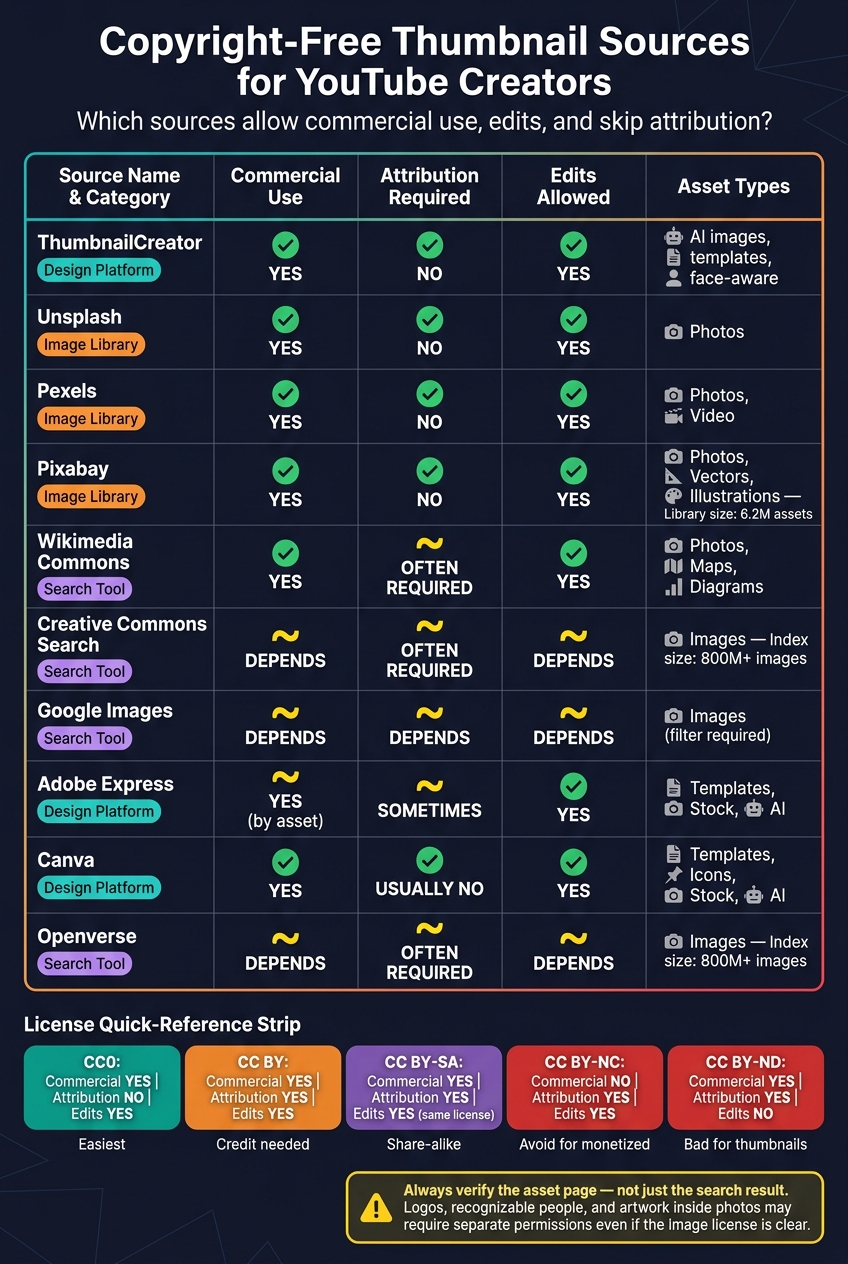
Copyright-Free Image Sources for YouTube Thumbnails: Quick Comparison Guide
How To Make YouTube Thumbnails - Quick, Easy & Free!
For more in-depth tutorials, check out our YouTube thumbnail guides covering design patterns and text overlays.
sbb-itb-b59debf
Quick Comparison
| Source | Best For | Commercial Use | Credit Needed | Main Watch-Out |
|---|---|---|---|---|
| ThumbnailCreator | Making thumbnails from scratch | Yes | No | Follow platform terms |
| Unsplash | Photo backgrounds | Yes | No | People, logos, artwork in image |
| Pexels | Stock photos and video | Yes | No | Same rights limits on people/logos |
| Pixabay | Photos, vectors, illustrations | Yes | No | Don’t reuse files as-is |
| Wikimedia Commons | Maps, diagrams, archive images | Yes | Often | Check each file page |
| Creative Commons Search | Finding CC media fast | Depends | Often | Verify on source page |
| Google Images filters | Fast discovery | Depends | Depends | Search tool only, not proof |
| Adobe Express | Design + stock in one place | Yes, by asset | Sometimes | Free vs. paid asset rules |
| Canva | Templates and stock elements | Yes | Usually no | No standalone reuse |
| Openverse | CC and public-domain search | Depends | Often | Filter, then verify source |
One more stat worth noting: Openverse indexes 800+ million images, and Pixabay lists 6.2 million assets. That means I have a lot of options - but I still need to confirm the file page before I download anything. This helps ensure I'm creating authentic thumbnails rather than misleading clickbait.
If I want the safest path, I stick to original thumbnail tools or stock sites with clear commercial terms, then double-check the asset page every time.
What Copyright-Free Actually Means for YouTube Thumbnails
“Copyright-free” sounds simple, but it usually isn’t. The term can point to a few different license types, and each one comes with its own rules. For thumbnails, that matters a lot.
Public domain assets
Public domain means there are no copyright limits on the work. You can use it, edit it, and make money from it without asking for permission or giving credit.
That said, don’t stop at the image itself. Trademarks and recognizable people can still create legal issues. The image license does not cover those elements.
Creative Commons licenses
Creative Commons includes several licenses, and they do not all mean the same thing. For YouTube thumbnails, the main things to watch are commercial use, attribution, and whether edits are allowed.
| License | Commercial Use | Attribution Required | Edits Allowed |
|---|---|---|---|
| CC0 (Public Domain) | Yes | No | Yes |
| CC BY | Yes | Yes | Yes |
| CC BY-SA | Yes | Yes | Yes, but the derivative must use the same license |
| CC BY-NC | No | Yes | Yes |
| CC BY-ND | Yes | Yes | No |
Two licenses cause the most trouble here.
- CC BY-NC does not work for monetized channels. Noncommercial licenses do not cover ad-supported videos.
- CC BY-ND does not allow edits, which makes it a bad fit for thumbnails since thumbnails usually need cropping, text, or AI-assisted design.
Royalty-free does not mean rule-free
“Royalty-free” only means you don’t pay ongoing royalties. It does not mean the asset has no copyright, and it does not mean you can use it any way you want.
The creator still owns the copyright, and the platform’s license terms still control how the asset can be used.
Free-to-use labels need verification
Labels like “free” or “free download” can be misleading. They do not prove that commercial use is allowed.
For example, an image labeled "free for personal use" or "editorial use only" cannot legally be used in a monetized YouTube thumbnail.
Before you download anything, check the original asset page for clear commercial-use permission. Verify the asset page itself. Search results and preview labels often leave out license limits.
Use these rules to evaluate the sources below.
1. ThumbnailCreator
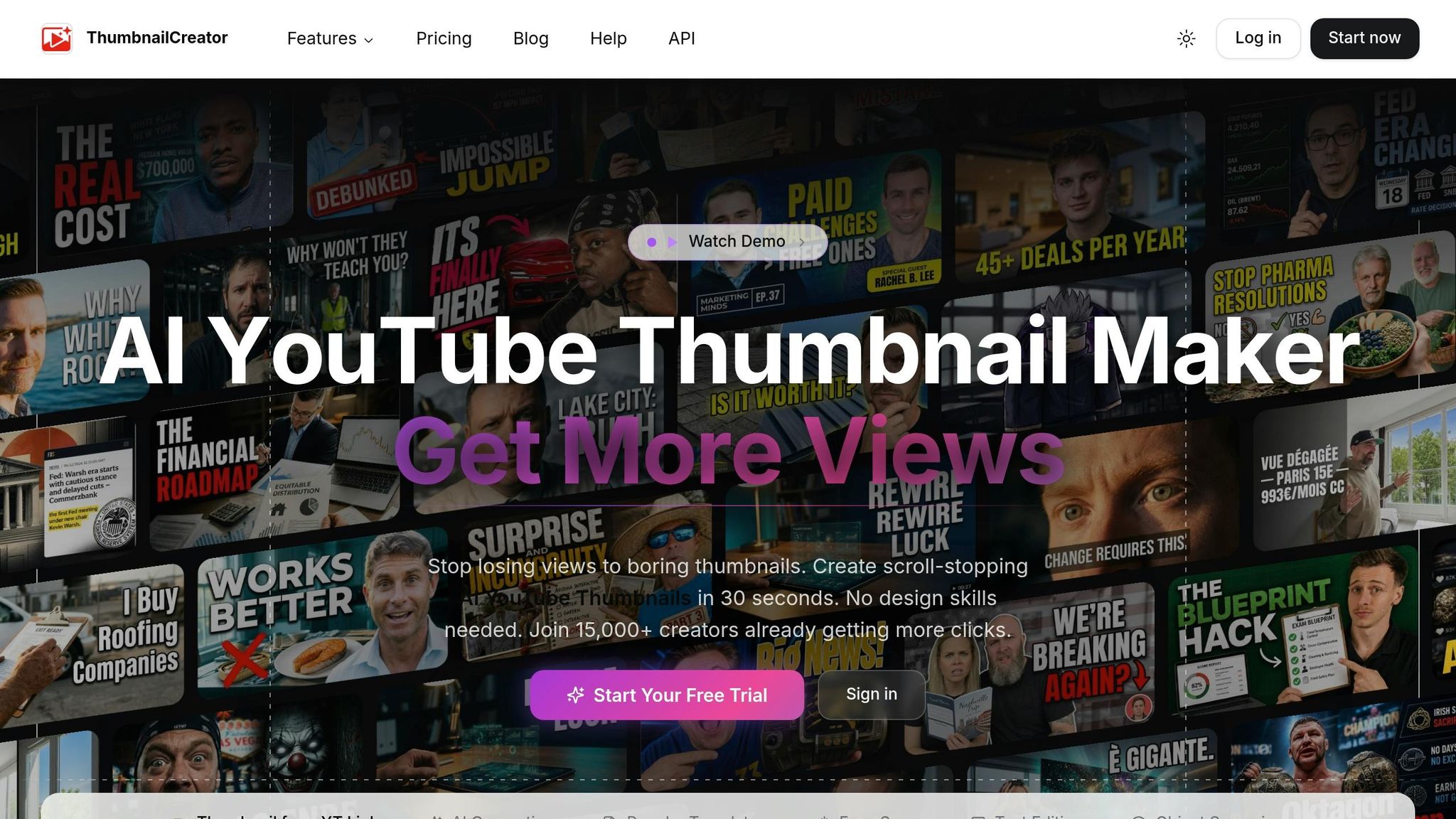
If you want to skip third-party image rights altogether, start with a tool that makes thumbnails from scratch.
ThumbnailCreator is an AI-powered thumbnail generator built for YouTube creators. It helps you make polished thumbnails even if design isn't your thing. Use it when you'd rather create an original thumbnail than download someone else's artwork.
License type
Generated thumbnails are governed by the platform's Terms of Use.
Commercial-use permission
ThumbnailCreator supports monetized YouTube use. Just don't resell the exported file as a standalone asset.
Asset types available
ThumbnailCreator includes AI backgrounds, face-aware generation using your own photo, 500+ templates, text tools, object swapping, and background removal. Thumbnails export at 1280 × 720 pixels, which fits YouTube well.
| Asset Type | Practical Use |
|---|---|
| AI-generated backgrounds | Original scenes with no source asset needed |
| Face-aware generation | Reaction-style thumbnails using your photo |
| Templates | Ready-made layouts by niche |
| Text & object tools | Headlines, arrows, and shapes |
| Background remover | Clean cutouts for reviews and product shots |
If you need ready-made assets instead of generated thumbnails, the next sources cover stock and open-license libraries.
2. Unsplash
If you need a ready-made image for a thumbnail, Unsplash is a solid place to start. It uses its own license, and that license allows free commercial use, including YouTube thumbnails, without attribution.
Commercial-use permission
You can use Unsplash photos in monetized thumbnails and ad-supported videos. If you want to put an image on merchandise, make sure you change it in a major way first.
Attribution requirement
Credit isn't required. Still, adding a credit line in your description is an easy courtesy.
Asset types available
Unsplash offers more than standard photos. You can also find:
- Textures
- Patterns
- 3D renders
- Illustrations
The license does not cover logos, recognizable people, which you can learn to shoot yourself in our thumbnail photography guide, or copyrighted artwork shown in the image.
Unsplash+ includes released content and built-in editing tools.
If you want open-license options, the next sources give you more ways to search.
3. Pexels
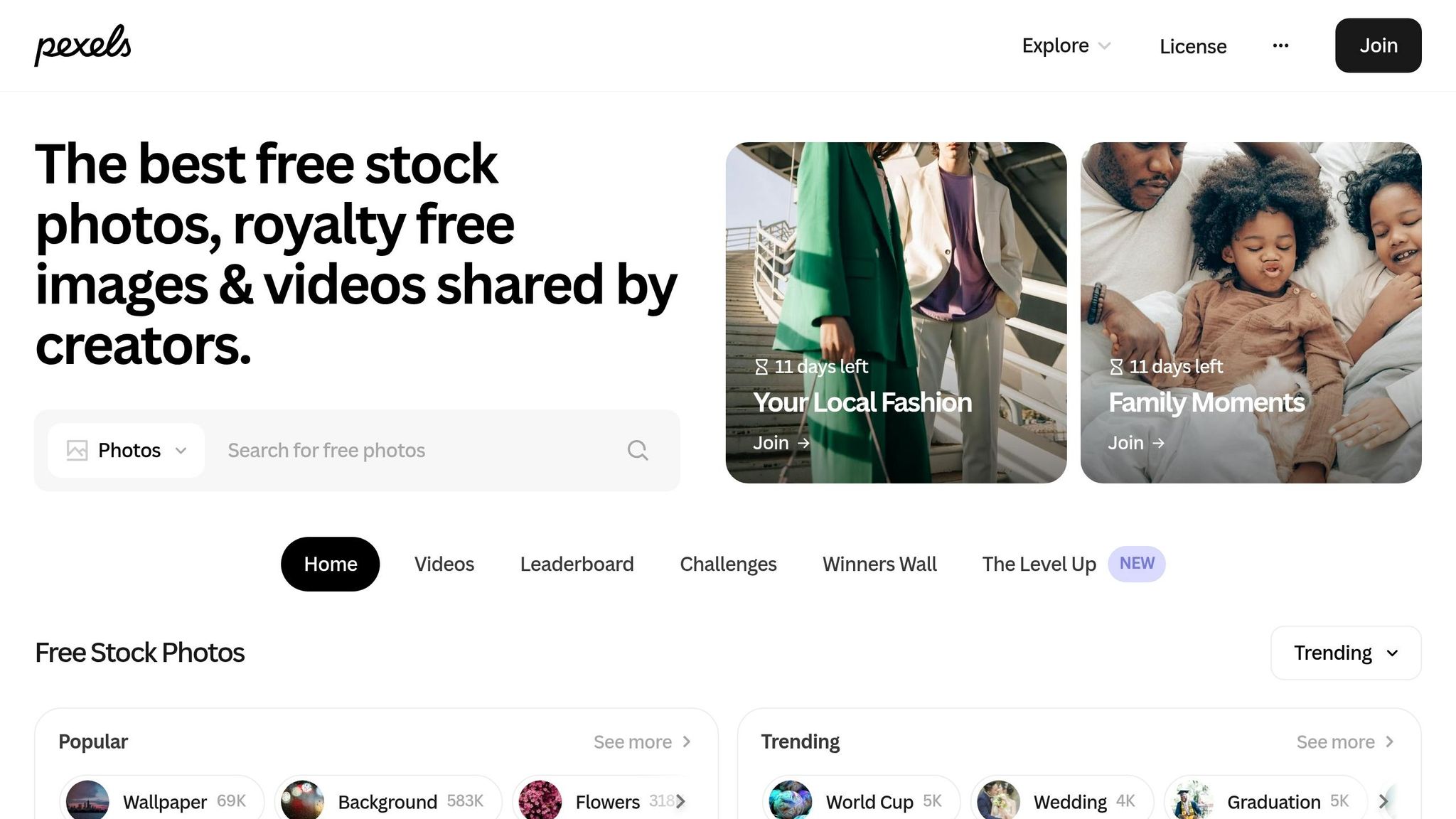
Pexels gives creators ready-made backgrounds and supporting visuals under a simple commercial-use license. Most assets use the Pexels License, and some older photos are CC0. It’s a good pick when you need a thumbnail put together fast and want a background or filler image that already looks polished.
Commercial-use permission
Photos and videos on Pexels are free for commercial and non-commercial use, which includes monetized YouTube thumbnails. If you're short on time, using thumbnail templates can help you structure these assets quickly. That said, be careful with logos and recognizable people. The license does not cover those cases.
Attribution requirement
Attribution is not required.
Asset types available
Pexels hosts more than 1,000,000 high-quality stock photos and videos. The library leans toward modern lifestyle shots, nature scenes, and abstract backgrounds, so it works well for many video niches.
A simple rule helps here: download the largest file available, ideally 1,280 px wide or more, then edit it to match your thumbnail layout and style. Pexels allows cropping and editing.
If you want another open-license image source, the next section expands the pool.
4. Pixabay
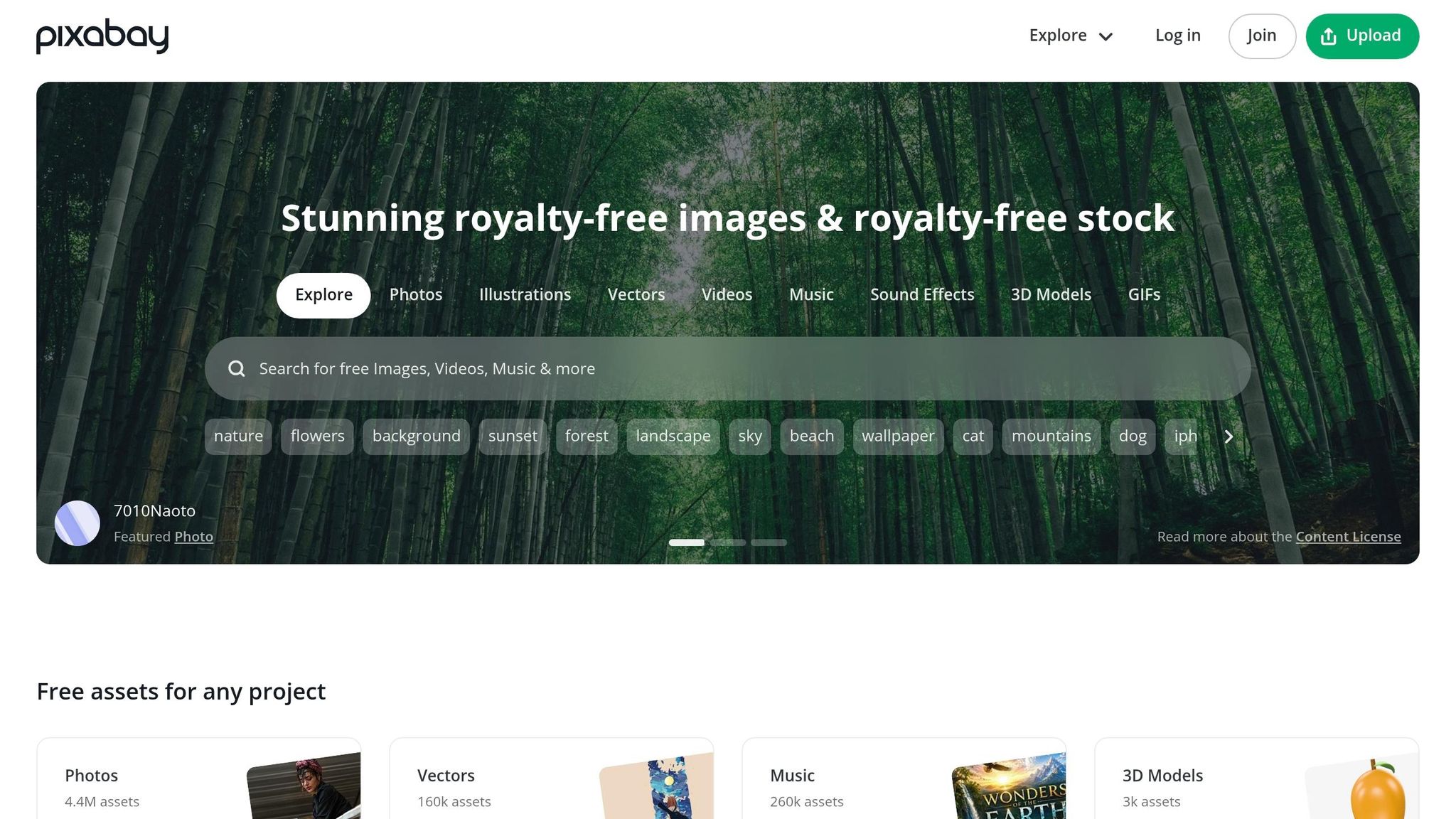
Pixabay offers 6.2 million photos, illustrations, vectors, and videos. It works well when you need a realistic background, a stylized visual, or extra graphic elements for a thumbnail. In practice, that makes it a solid pick for both thumbnail backgrounds and overlay graphics.
License type
Pixabay uses its own Content License. You can't redistribute content as-is, but simple thumbnail edits like adding text, cropping, or combining the asset with other design elements will usually add enough original work to move it into safe territory.
Commercial-use permission
Yes, Pixabay assets can be used for commercial purposes, including monetized YouTube thumbnails. There is one catch: if an image includes a recognizable trademark or logo, the license does not cover commercial use. And if you're using a photo with a recognizable person, check model-release rights before you publish.
Attribution requirement
No attribution is required.
Asset types available
| Asset Type | Best Use for Thumbnails |
|---|---|
| Photos | Backgrounds and realistic focal points |
| Illustrations | Stylized or thematic visuals |
| Vectors | Scalable icons and graphic elements |
| Videos | B-roll for video content |
If you want a broader search tool for reuse-cleared assets, the next source helps narrow results by license.
5. Wikimedia Commons
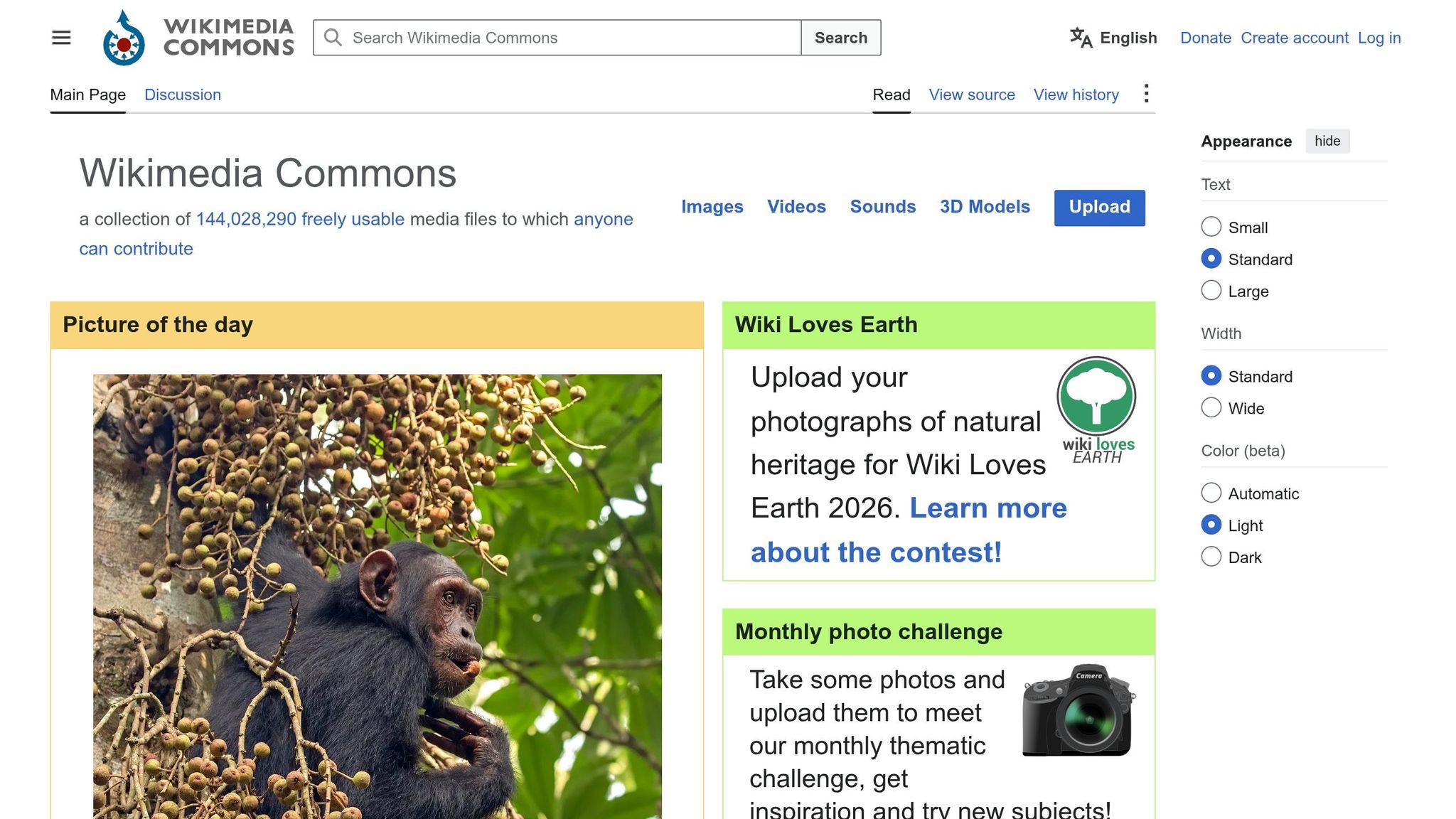
Use Wikimedia Commons when you need a big library of licensed media for backgrounds, icons, and diagrams.
Wikimedia Commons is a large archive of freely licensed and public-domain media for thumbnail backgrounds, icons, diagrams, maps, and photos.
License type
Most files are under Creative Commons Attribution (CC BY), Creative Commons Attribution-ShareAlike (CC BY-SA), or are in the Public Domain. One thing to watch: if you use a CC BY-SA image in a thumbnail, the thumbnail itself may need to be released under that same license.
Commercial-use permission
All Wikimedia Commons files must allow commercial use and derivative works, which makes them a fit for monetized thumbnails as long as you follow the license listed on that file’s page.
Attribution requirement
CC BY and CC BY-SA files require credit to the original author, not the uploader. The file page also includes a credit generator you can use in your description.
Asset types available
| Asset Category | Best Use for Thumbnails |
|---|---|
| Featured Pictures | Backgrounds, high-impact visuals |
| Symbols & Icons | Overlays, branding elements |
| Historical Scans | Educational or storytelling niches |
| Video Screenshots | Thumbnail backgrounds |
| Diagrams & Maps | Tutorial or explainer thumbnails |
Check the file page before you download anything. That’s where you’ll find the exact attribution rules and release details.
Also check for model-release notes on images with identifiable people, since personality rights can still affect commercial use.
6. Creative Commons Search
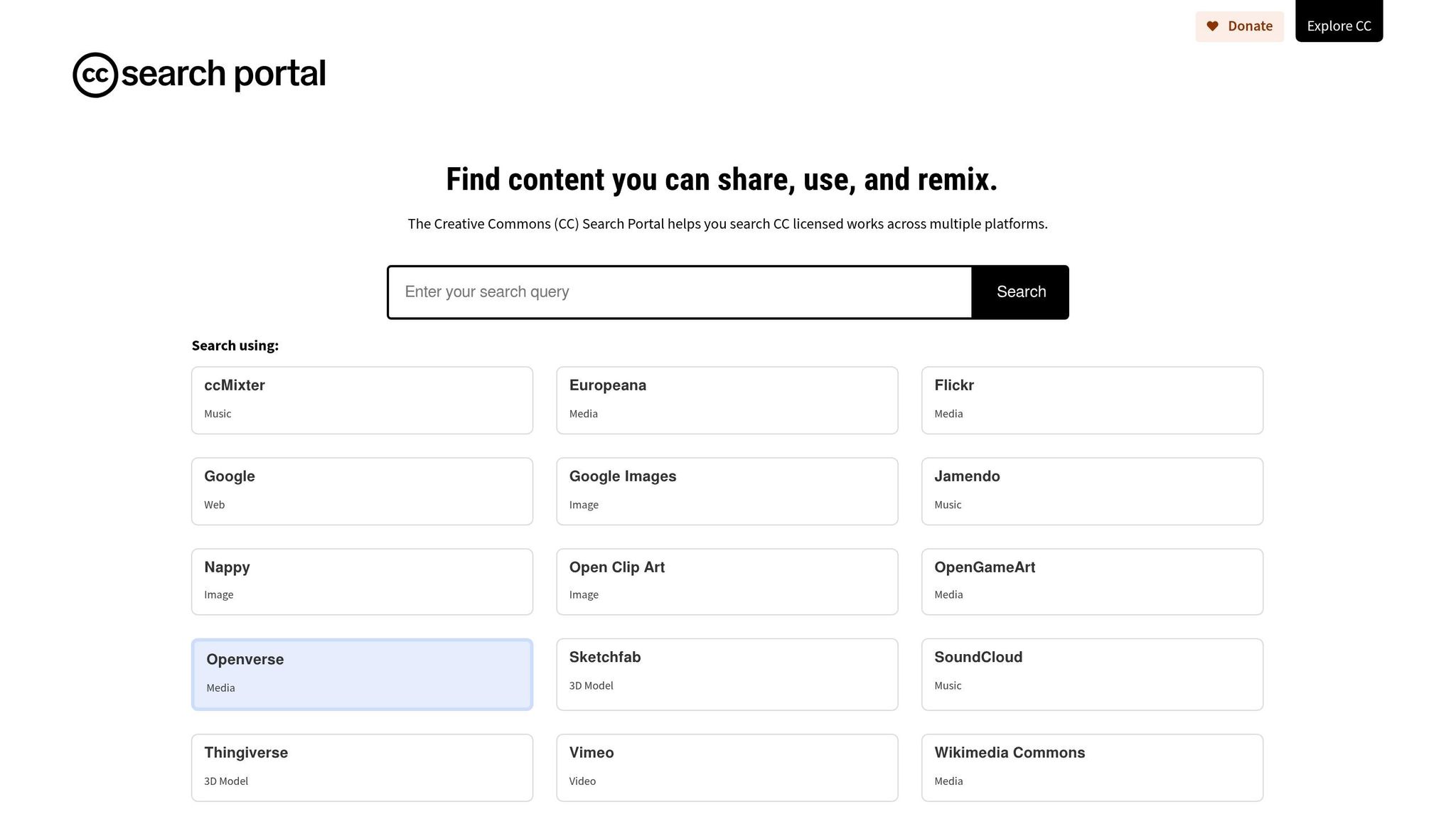
If you want to search across many sites at once, this is a solid place to start. Creative Commons Search is powered by Openverse, a search engine that indexes more than 800 million images from dozens of platforms, including Flickr, Wikimedia Commons, NASA, the Smithsonian, and the Metropolitan Museum of Art.
That said, use it as a discovery tool, not the final word on licensing. The actual license is set on the host page, so you need to check the source page before you use anything.
License type
Openverse indexes assets under several CC licenses. Start with the "Use commercially" filter. That removes NC (NonCommercial) assets, which don't work for monetized thumbnails.
Also, watch out for ND (NoDerivatives) licenses. If you add text, crop the image, or adjust the colors, you've edited it. And with ND assets, that isn't allowed. In plain English: ND images are usually a bad match for thumbnail design.
Commercial-use permission
Use the "Use commercially" filter first, then confirm the license on the source page before downloading.
Attribution requirement
CC0 assets don't need credit. For other assets, Openverse has a built-in attribution generator on each image page. You can copy that directly into your video description to stay compliant.
Asset types available
You can find a wide mix of visuals here:
- Photos
- Illustrations
- Digital art
- Historical archives
- Fine art
It's best for finding reusable visuals from many sources in one search.
7. Google Images with Usage Rights Filters
Use Google Images when you need fast discovery, but check every result on the original page.
Google Images is a search tool, not a license source. It reflects license metadata from the host site, so treat it as a lead, not proof. That makes the filter handy for finding options fast, but not for confirming usage rights. Always click through to the original page and look for a "License details" link before you download anything.
License type
Google Images offers two filter categories: Creative Commons licenses and Commercial or other licenses. If you need an image for a thumbnail, start with the commercial filter. This category can include free stock sites and paid agencies, so check the actual license on the host page.
Commercial-use permission
Use the filter to find possible matches, then confirm commercial use on the host page before downloading.
Attribution requirement
Attribution depends on the host license, so check the original page to see what the license says.
Asset types available
These filters can surface photos, illustrations, and vector graphics. For each result, open the source page and read the license before you download.
8. Adobe Express Stock Library
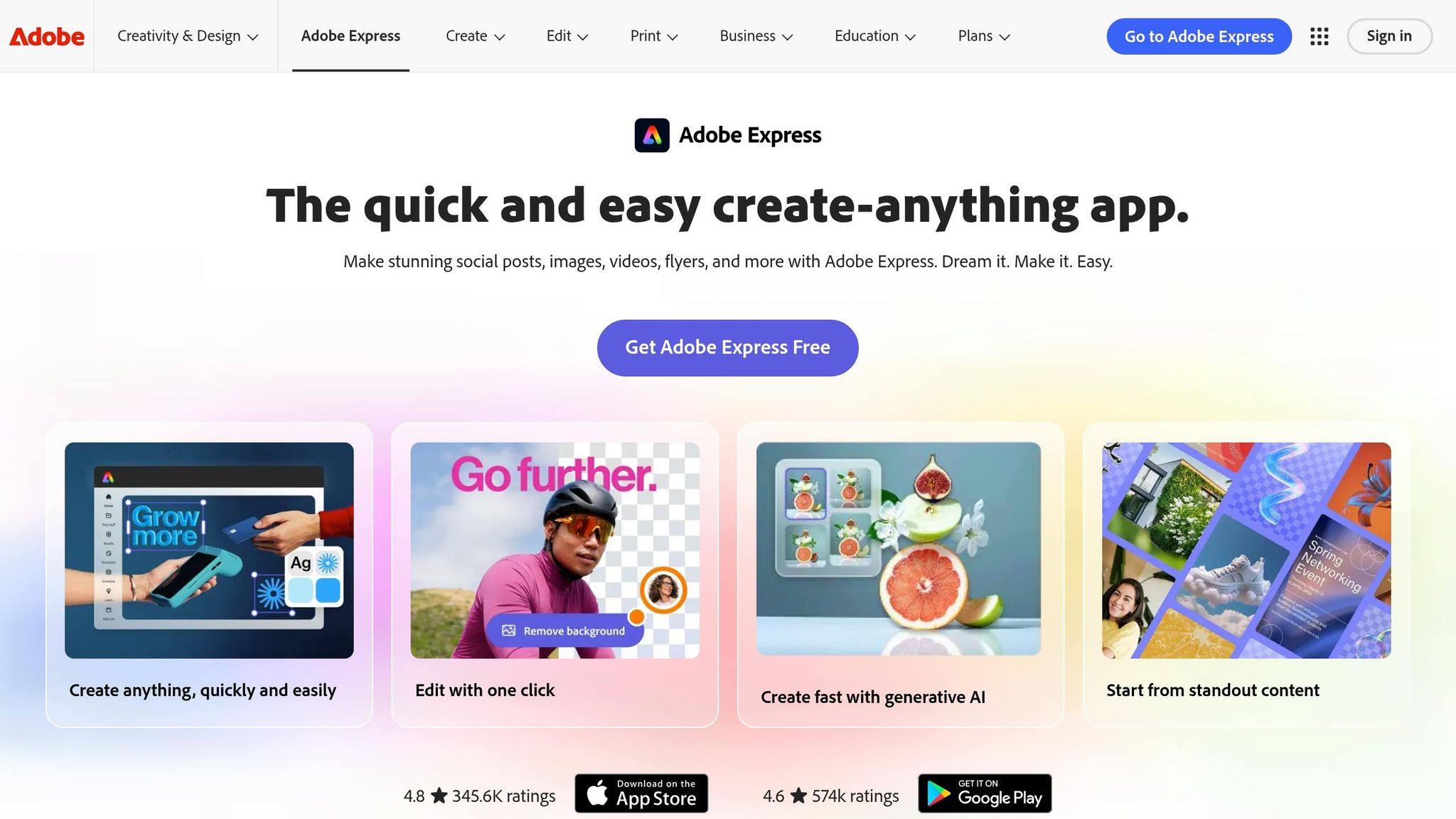
If you want assets and templates built right into the same editor, Adobe Express makes the process pretty fast. It includes a large stock library and thumbnail templates directly inside the editor.
License type
Adobe Express assets are royalty-free. That means you don't pay per use and you don't owe extra royalties later.
Commercial-use permission
Free assets and paid assets aren't the same. Free assets without a crown can be used for commercial work, while crown-marked assets need a paid plan before you export the thumbnail.
There’s one more thing to check: credit. Some assets are free to use, but that doesn’t always mean they’re free to use without attribution.
Attribution requirement
Standard Adobe Express assets usually don’t require attribution. But external assets pulled in through integrated search can come with their own credit rules.
Asset types available
Adobe Express includes stock photos, videos, backgrounds, icons, shapes, templates, and Adobe Fonts. It also gives you YouTube-ready 16:9 layouts.
If you need a broader open-license search, the next source goes beyond a single library.
9. Canva Asset Library
If you want stock assets and layout tools in one place, Canva is a practical pick for thumbnails. Its asset library gives creators access to stock photos, graphics, icons, illustrations, backgrounds, shapes, frames, stickers, and templates that can be used in thumbnail designs.
License type
Canva has two main license tiers: Free and Pro. Free assets cost nothing. Pro assets need a Canva Pro or Teams subscription, or a one-time $1 fee per element, per design for Free users. A crown icon marks Pro content.
Commercial-use permission
Both Free and Pro assets can be used in monetized YouTube thumbnails. But there’s a catch: Canva assets need to be part of a finished thumbnail design, not reused as standalone images.
You also can’t use Canva assets in logos or trademarks that need exclusive rights.
Attribution requirement
Attribution usually isn’t required for thumbnail use.
Asset types available
Canva’s library includes:
- Photos
- Graphics
- Icons
- Illustrations
- Backgrounds
- Shapes
- Frames
- Stickers
- YouTube templates
As with every source here, verify the asset page before you export.
10. Openverse
If you want one more broad search option, Openverse pulls reusable images into one place. It indexes CC and public-domain images from many sites, which makes it handy when you need thumbnail assets fast.
License type
For thumbnails, stick with CC0 or CC BY. Skip NC for monetized channels, and avoid ND for anything you plan to edit.
Commercial-use permission
Commercial use depends on the license. Filter for "Use commercially" and "Modify or adapt," then double-check the license on the source page before you download anything.
Attribution requirement
CC0 does not need credit. CC BY and CC BY-SA do require attribution, and Openverse’s one-click attribution tool can format it for you.
Asset types available
Openverse indexes images and audio. For thumbnail work, use the image results only.
Use the table below to compare which source fits your thumbnail workflow fastest.
Quick Comparison Table
Use this table to match each source to your thumbnail workflow.
| Source | Category | License Type | Attribution Required? | Primary Use | Asset Types |
|---|---|---|---|---|---|
| ThumbnailCreator | Design Platform | Platform terms | No | AI-assisted thumbnail creation with face integration | AI-generated images, templates, face-aware assets |
| Unsplash | Image Library | Unsplash License | No | Background photos | High-res photos |
| Pexels | Image Library | Pexels License | No | Stock photos and b-roll | Photos, video |
| Pixabay | Image Library | Pixabay License | No | Illustrations, vectors, icons | Photos, vectors, illustrations, icons |
| Wikimedia Commons | Search Tool | Varies (CC / Public Domain) | Often required | Historical and educational visuals | Photos, maps, diagrams |
| Creative Commons Search | Search Tool | Varies (Creative Commons) | Usually required | Broad searches across CC-licensed libraries | Images |
| Google Images | Search Tool | Varies (must filter) | Varies by asset | Finding specific niche visuals fast | Images from multiple sites |
| Adobe Express | Design Platform | Varies by asset | No | AI-assisted design | Templates, stock photos, AI images |
| Canva | Design Platform | Canva License | No | Template-based thumbnail design | Templates, icons, stock, AI images |
| Openverse | Search Tool | Varies (Creative Commons) | Usually required | Verified CC-licensed content across sources | Images |
One quick tip: run a reverse image search on common stock photos before you pick one. It can help you avoid images that have been used to death. Then check the license on the asset page before you download anything.
License Checks to Do Before You Download
Before you grab anything from the sources above, pause and check the license. That small step can save you a big headache later. It’s how you separate thumbnail assets you can use with confidence from ones that could cause trouble.
Check commercial-use rights
If your channel makes money, count thumbnail use as commercial use. That means you should stick to assets that are cleared for commercial thumbnails.
Assets marked "Editorial use only" or "Free for personal use" are a bad bet for monetized content.
Check whether edits are allowed
Most thumbnails get changed in some way. You might crop the image, add text, remove the background, or tweak the colors. So the license needs to allow edits.
Skip CC BY-ND for thumbnails. Even simple changes like text overlays, cropping, or color tweaks still require a license that allows editing.
Check attribution rules
Some licenses, especially CC BY and CC BY-SA, require you to credit the creator. That usually means listing the creator, title, source URL, and license link.
In practice, creators usually put attribution in the video description rather than on the thumbnail itself.
Check for trademarks, logos, and recognizable people
A license covers the image itself, but not always every part inside it. If a thumbnail shows trademarked logos, copyrighted artwork, or identifiable people, those parts can bring separate rights issues.
For monetized thumbnails, look into whether you need a model release or some other permission, even when the image is otherwise free to use.
Verify the asset page, not just the search result
Search filters can point you in the wrong direction because license metadata can be incomplete or outdated.
Open the asset page and check the license there. If the page doesn’t show a clear license, don’t use the image.
Conclusion
The best source is the one that fits your thumbnail performance goals and the license rules that come with it.
Match the source to the kind of thumbnail you want to make: photos, graphics, or something made from scratch. ThumbnailCreator gives you one place to create original thumbnails.
A simple setup works well for most people: pick 2–3 sources that fit your niche. For example:
- one for photos
- one for graphics
- one for original thumbnail creation
And one last thing: always check the asset page before you download anything. Search results are useful for finding options, as are trending YouTube thumbnails, but the source page is what tells you whether you can use the file. If the license isn’t clear, don’t download it.
FAQs
Can I use a thumbnail image on a monetized channel?
Yes - if the image license allows commercial use.
Monetized videos count as a commercial setting, so you should avoid any license with NonCommercial (NC) limits.
Safer options include:
- CC0
- CC BY
- CC BY-SA
- Royalty-free stock images that clearly allow commercial use
It’s also smart to keep proof of the license, like an invoice or download log, in case a claim comes up later.
Where should I put attribution for CC images?
Place attribution for images that need it directly in your video description.
For clean, professional credit, use TASL:
- Title
- Author
- Source
- License
This keeps the credit clear and easy to scan.
That said, always check the image’s specific license terms before you publish. Some assets, including many CC0 images or files covered by platform-specific licenses, don’t require attribution.
Do I need permission for logos or people in photos?
Yes, in most cases.
For YouTube thumbnails, stay away from editorial-only images that show people or easy-to-recognize logos. Those images are often limited to news-style use and may not be allowed for promotional or commercial use.
You should also avoid anything that suggests a brand backs your video, or that a celebrity is part of it, unless you have clear permission.
ThumbnailCreator helps here by letting you upload your own photos for face swapping and editing. That gives you more control over the likenesses you use.